


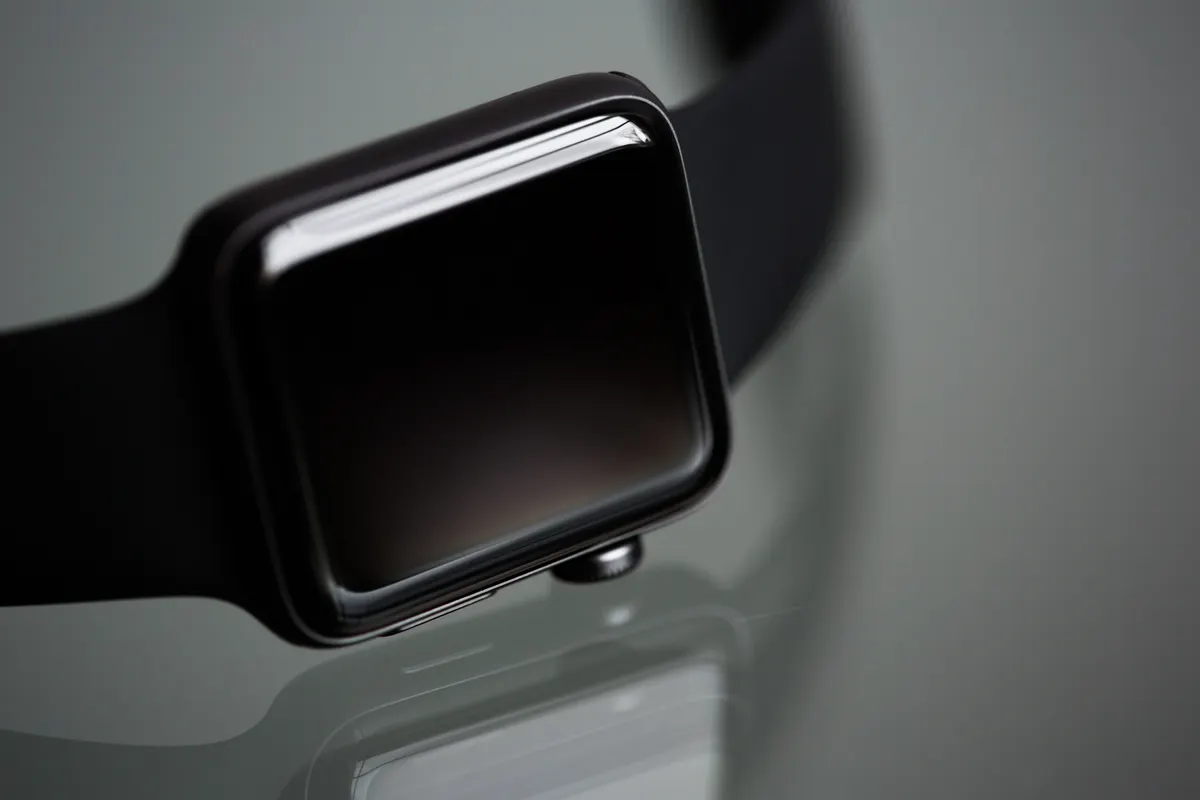
Siri AI on Apple Watch is now rolling out to users on the waitlist, and early hands-on testing suggests the experience is patchy at best: slow, crash-prone, and noticeably behind the iPhone version of the same feature.
To access it, you need both a supported watch (Series 9 or newer) and a supported phone (iPhone 15 Pro or newer), both running Apple‘s latest software. The tester used an Apple Watch Series 12 alongside a phone on the iOS 27.2 developer beta. After enabling Siri AI in the phone’s Settings app, a waitlist notification arrived a few days later. Then the testing began.
What Siri AI on Apple Watch actually does in practice
Some things work. Ask for a weather forecast and it appears instantly. Set a five-minute timer and it obliges in a few seconds. Ask Siri to read out upcoming calendar events and, after a five-second pause, it rattles them off correctly. These are the wins.
The losses are more numerous. Ask for the nearest yoga studio and Siri returns a list of studios that are nowhere near you. Reword the question a few times and it eventually surfaces one about a mile away, slower and less accurate than plain old Siri managed with the same question the previous week. Ask what your Move ring goal is and Siri draws a blank. Set a new goal of 325 calories and Siri confirms the change, but the Fitness app then shows 320. Ask Siri to explain a grey icon on the watch face and, rather than admitting it cannot see the screen, it reads out a passage from the internet about what grey icons mean as a general concept.
The podcast incident is a particular low point. Asked to resume a podcast, Siri instead announced that episode 550 of My Favorite Murder had just come out. The tester had never listened to My Favorite Murder. And episode 550, on checking, turned out to be the third-most-recent episode, not the latest.
Where Siri AI on Apple Watch falls behind the iPhone version
One of the headline features of the new Siri is its ability to search through your emails and messages in context. On the watch, that capability is limited. When asked what a family member had recently texted asking to buy, Siri found one message (a LEGO wishlist from 12 September) but missed a makeup kit request from 13 September until specifically prompted. The iPhone version of Siri AI found both in the same initial response, unprompted.
In another test, asking who had been sent a contact’s phone number, the watch could retrieve the message but only returned the recipient’s number, not their name. The iPhone version worked out the person’s name from earlier in the conversation, despite the name not being saved as a contact. The gap between the two versions is real and consistent.
The Conversations app, which is supposed to log recent Siri exchanges when you tap the digital crown, mostly showed “No conversations” throughout the day. Eventually one exchange appeared (the grey icon question) despite several others having taken place.
The lag and crash problem
Beyond the accuracy issues, the experience is frequently interrupted. The Siri app on the watch crashes regularly, dumping you back to the home screen mid-query. Siri’s voice sometimes breaks up and restarts its own message. Many requests take five to ten seconds to process, long enough to reach for the phone and look it up yourself.
The response lag creates practical knock-on problems. According to 9to5Mac, users setting a cooking timer with Siri AI on Apple Watch need to subtract at least 30 seconds from the intended duration to compensate for the time Siri takes to respond. That is the kind of workaround that turns a convenience feature into a minor maths problem. The same report notes that controlling HomeKit accessories via Siri on watchOS 27 beta has been terribly slow, which compounds the frustration for anyone who picked up a new watch partly for smart home control.
There is one bright spot. Both the watch and iPhone versions of Siri AI admitted they had no information on sleep data. The watch version, however, was at least able to say what time the user had gone to bed and what time they woke up, something the phone version could not manage. Small mercies.
The feature is still in beta, and the tester notes that being able to interrupt Siri mid-response to refine a question is genuinely useful when it works. For now, though, Siri AI on Apple Watch is a feature to keep an eye on rather than rely on, the next update should show whether Apple can close the gap with the iPhone version.